Clients
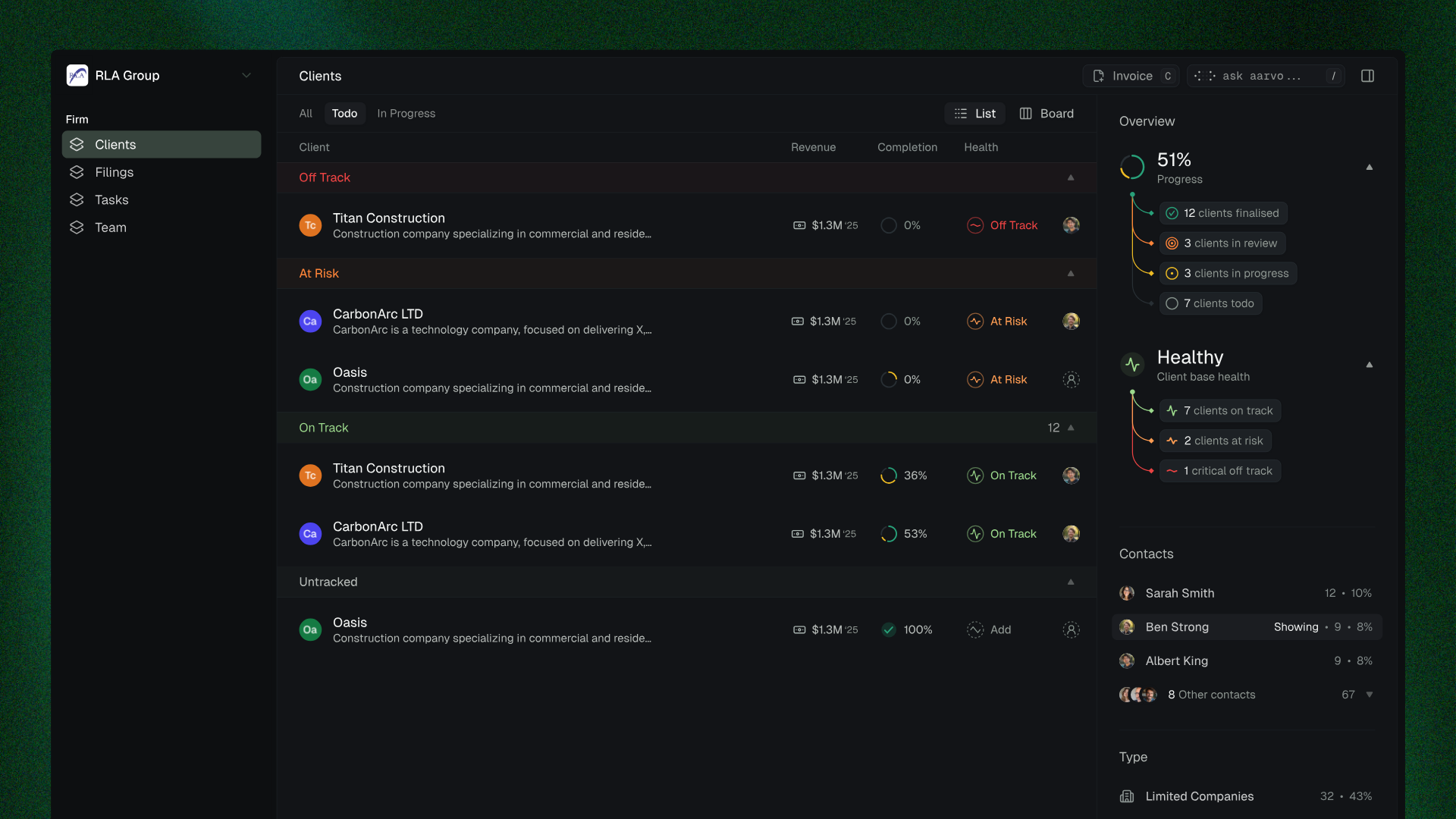
The Clients page is your firm's home base. Every client, their financial health, and where they stand on returns - all in one view.
Client metrics
Each client shows three key metrics so you know what's happening without clicking into anything:
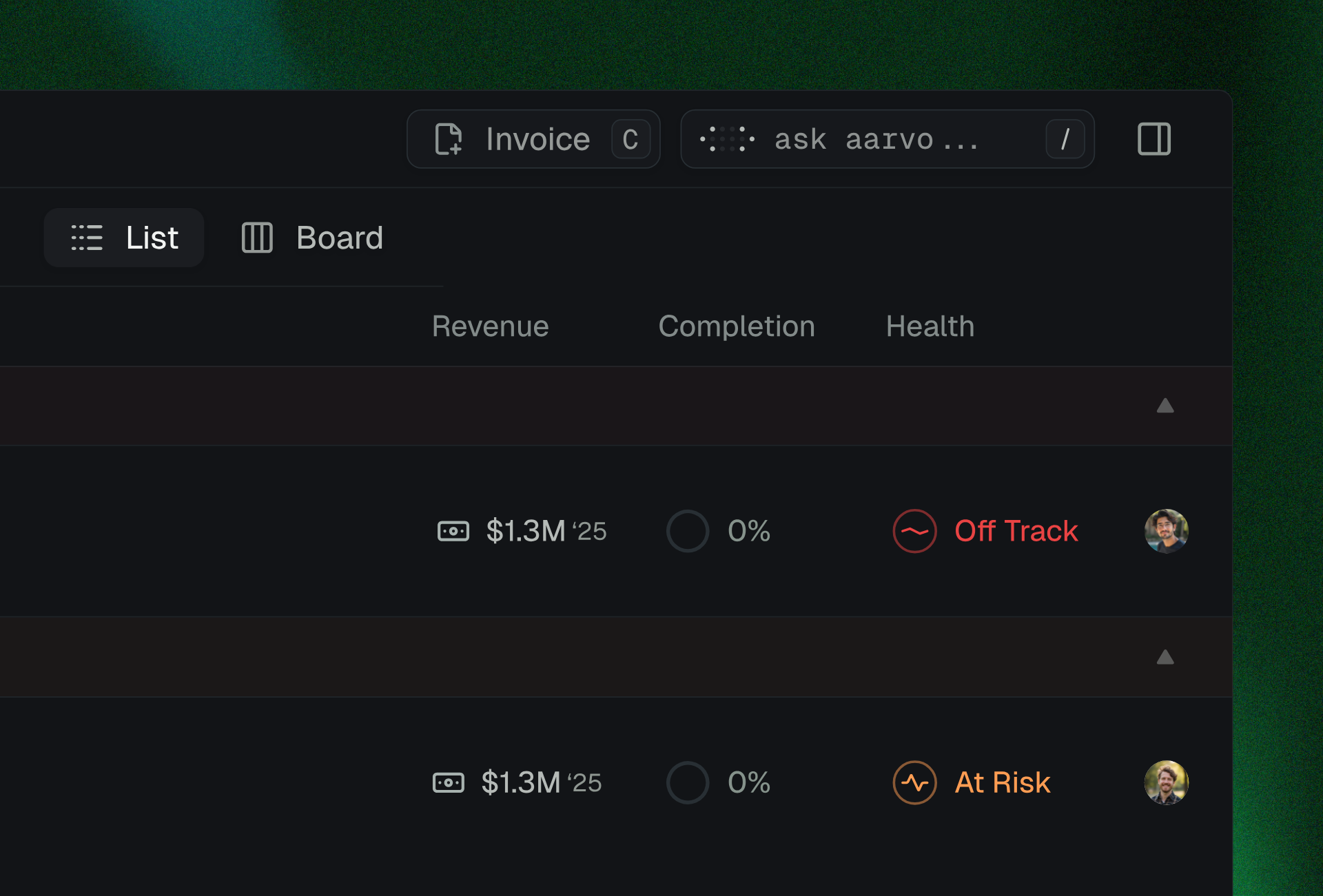
Revenue - The client's current revenue. Some firms use this for prioritisation, others for context when making decisions.
Completion - A percentage breakdown of where the client's returns stand: to do, in progress, or complete.
Health Score - A three-status system that tells you whether a client needs attention.
Health scores
Aarvo assigns a health status to each client based on return deadlines, filing progress, and reconciliation status:

Off Track - Likely to miss a deadline or already behind. Immediate attention needed.
At Risk - Deadlines approaching, progress behind schedule. Manageable, but needs monitoring.
On Track - Everything progressing as expected. No action needed.
Health is assessed at the client level, not per filing. Clients often have multiple returns in progress - a single score gives you the fastest read on who needs your attention.
Side panel overview
The right-hand panel gives you a firm-wide snapshot:
Progress - How many clients are completed, in review, in progress, or to do.
Client Health - Count of on-track, at-risk, and off-track clients.
Contacts - Filter by main contact to see only your own book of clients.
Type - Filter by company type (sole trader, limited company, partnership) to focus on specific segments.
List and board views
Toggle between two views from the top-right of the screen:
List view - Compact, table-like layout. Best for scanning a large client book and comparing metrics across rows.

Board view - Kanban-style layout grouped by health status. Best for visual prioritisation and spotting which clients need action.

Real-time client data
Because Aarvo is a two-way system, you're not looking at stale data from a third-party integration. When your client reconciles a transaction, you see it. When they upload a document, it appears. When their tax position changes, your numbers update.
You see the same thing your client sees, at the same time.
Filings - Team - Firm overview