Team & Roles
The Team page is where firm owners manage their people - add team members, control access, and see who's responsible for what across your client book.
Adding team members
Navigate to Firm → Team and invite members by email. Each person gets their own login credentials and can be assigned to specific clients with the permissions you define.
The hierarchy
Aarvo uses a three-level role structure designed around how accounting firms actually work:
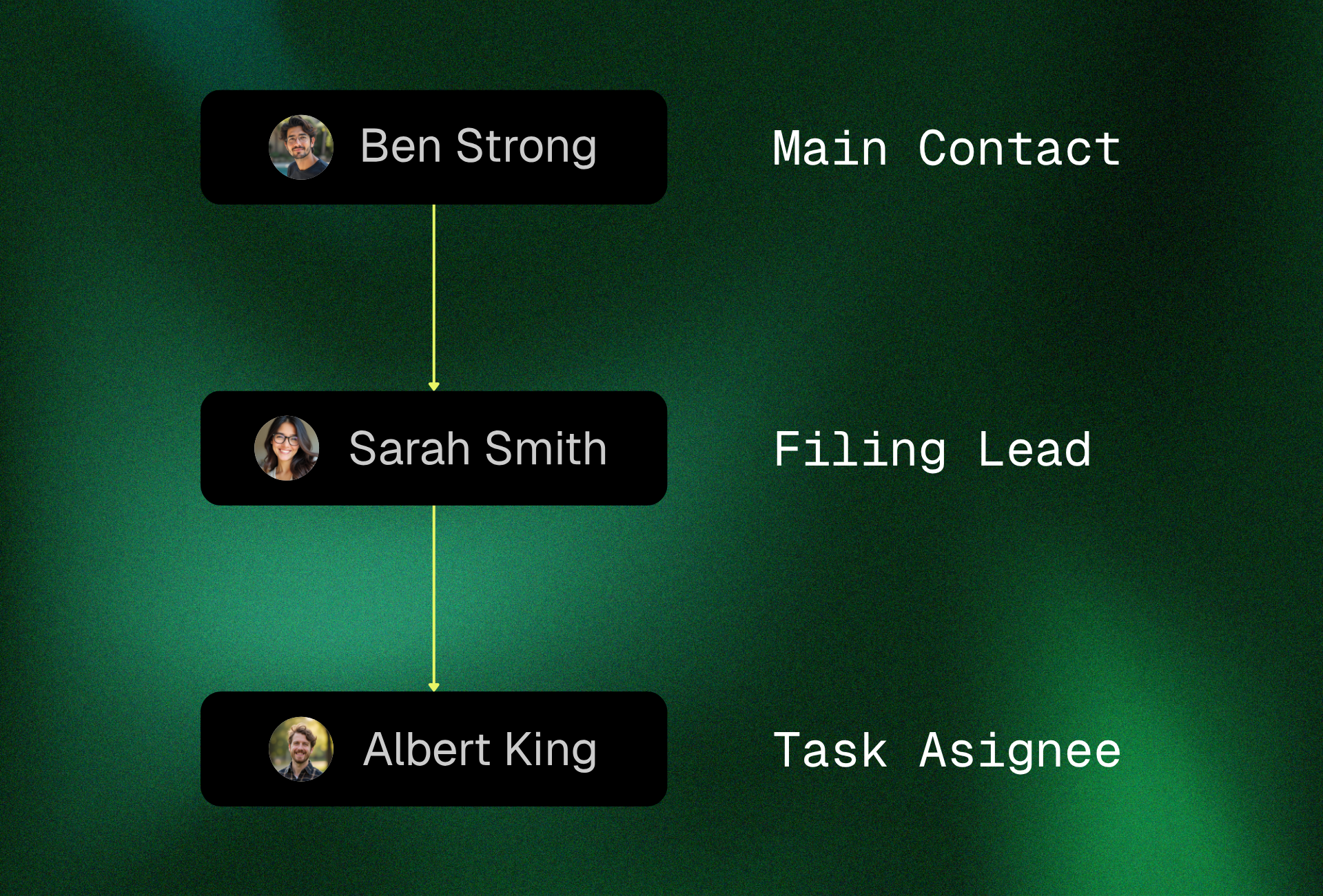
Main Contact - Assigned at the client level on the Clients page. This is the primary person in your firm responsible for that client relationship. They have full visibility across all of that client's filings and tasks.
Filing Lead - Assigned per filing. Think of this as the team leader for a specific return. They oversee the work, review before submission, and are accountable for that filing being completed on time. A filing lead may be different from the main contact - certain returns may need a specialist.
Task Assignee - Assigned to individual tasks within a filing. These are the team members doing the hands-on work: reconciling transactions, reviewing documents, confirming categorisations. They report back to the filing lead.
The hierarchy flows top-down: Main Contact → Filing Lead → Task Assignee.
Why three levels matter
A single "assigned to" field doesn't reflect how firms operate. In practice, a partner manages the client relationship, a manager leads specific returns, and staff handle individual tasks.
Aarvo mirrors this. The main contact sees everything for their clients. The filing lead focuses on their returns. The assignee focuses on their tasks. Each role sees exactly what they need - no more, no less.
Permissions and access
When adding team members, you control:
Client access - Which clients a team member can see. Assign them to specific workspaces rather than giving blanket access.
Role level - What they can do within assigned workspaces, from read-only viewing through to full reconciliation and submission.
Workload visibility
The Team page shows you who's assigned to what across your entire firm. Use this to spot capacity issues before they become problems - if one team member is the filing lead on twelve returns and another has two, you know where to rebalance.
The Clients page sidebar also shows assignment counts per team member, giving you a quick view of how work is distributed without leaving your home base.